Thanks for helping test this. Wellrooted goes out through TestFlight, Apple's official beta app — so setup is two short steps and updates arrive on their own after that.
What you'll need
- An iPhone running iOS 17 or later (Settings → General → About → iOS Version).
- A reasonably recent iPhone — the app uses Apple's AR, supported on iPhone 6s and newer.
- To be outside in daylight when you test, phone pointed at real plants.
- Patience for rough edges. Crashes and weirdness are exactly what I want to hear about.
What it looks like
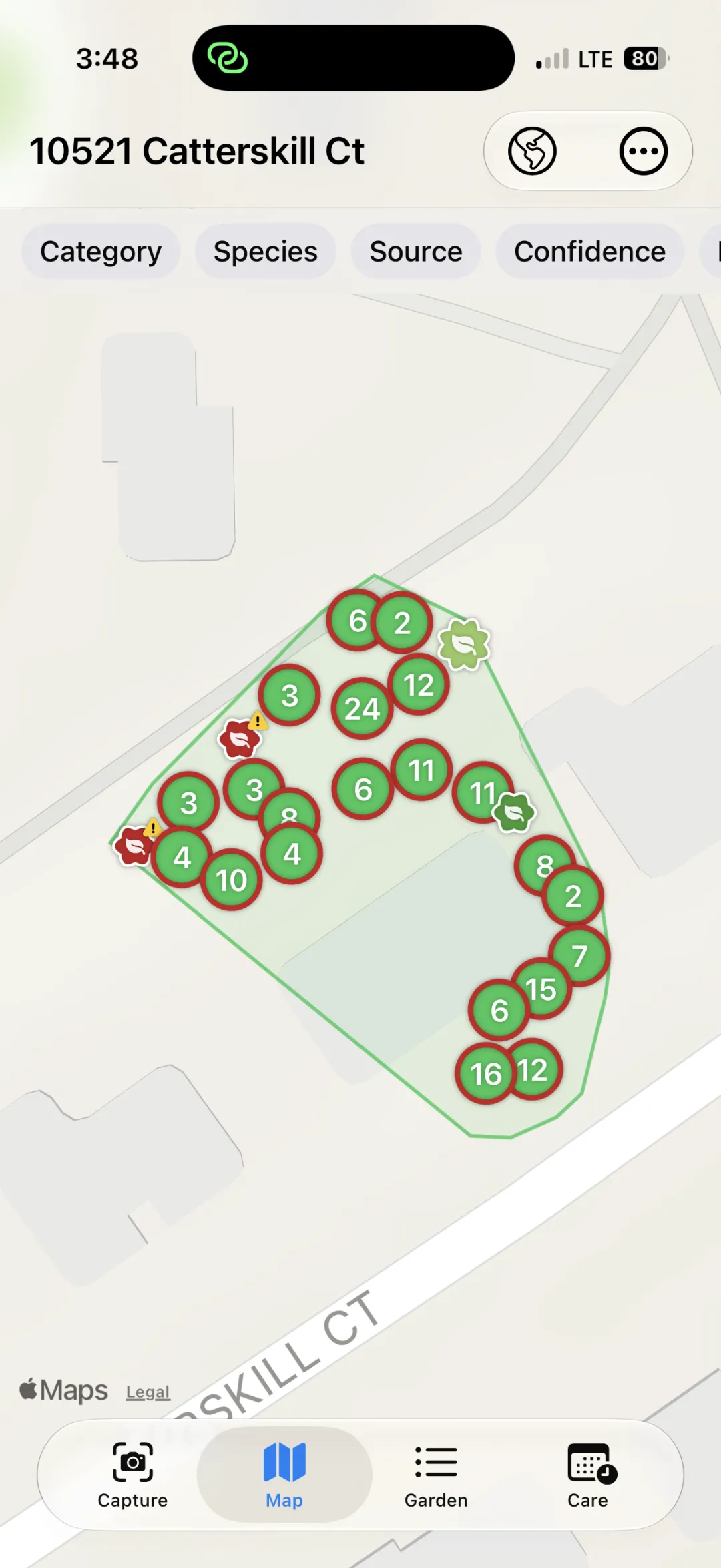
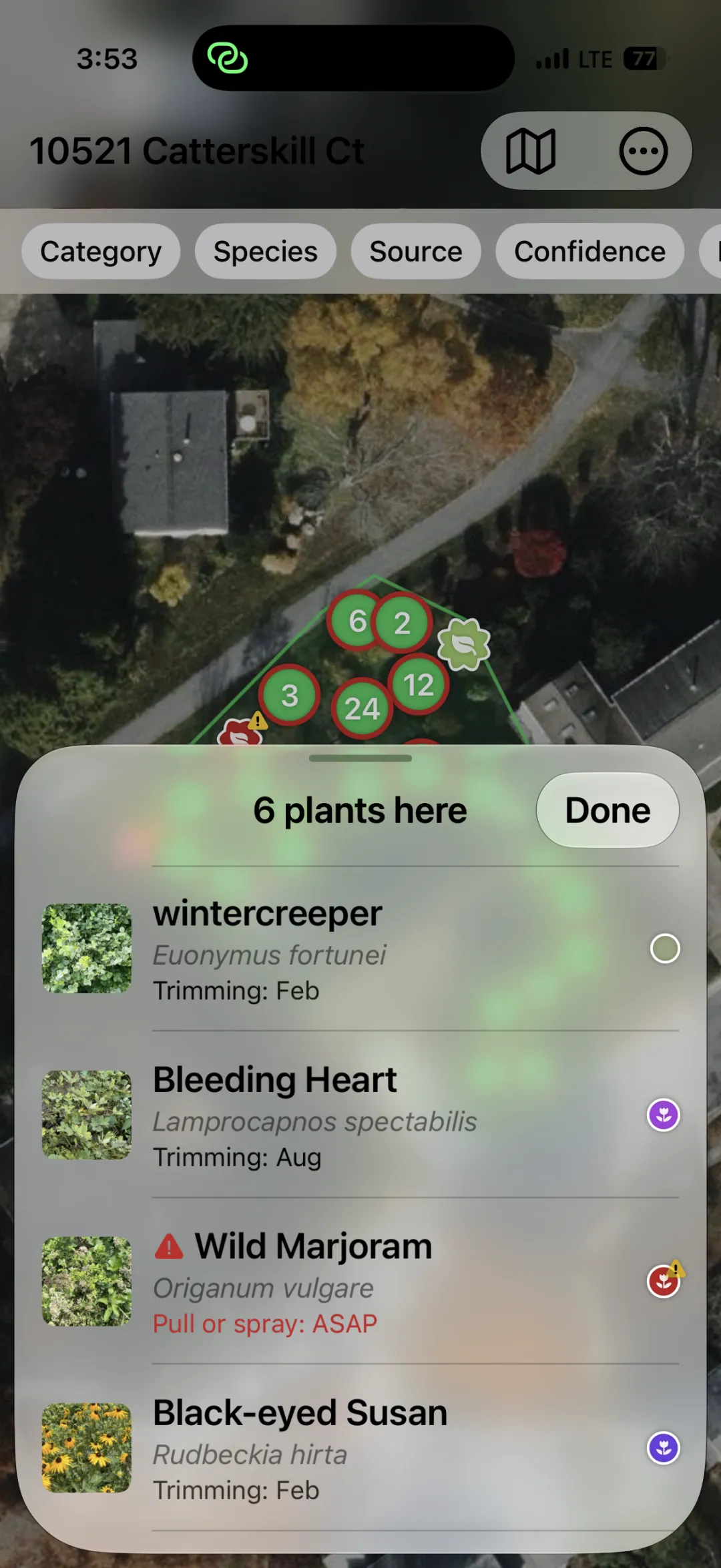
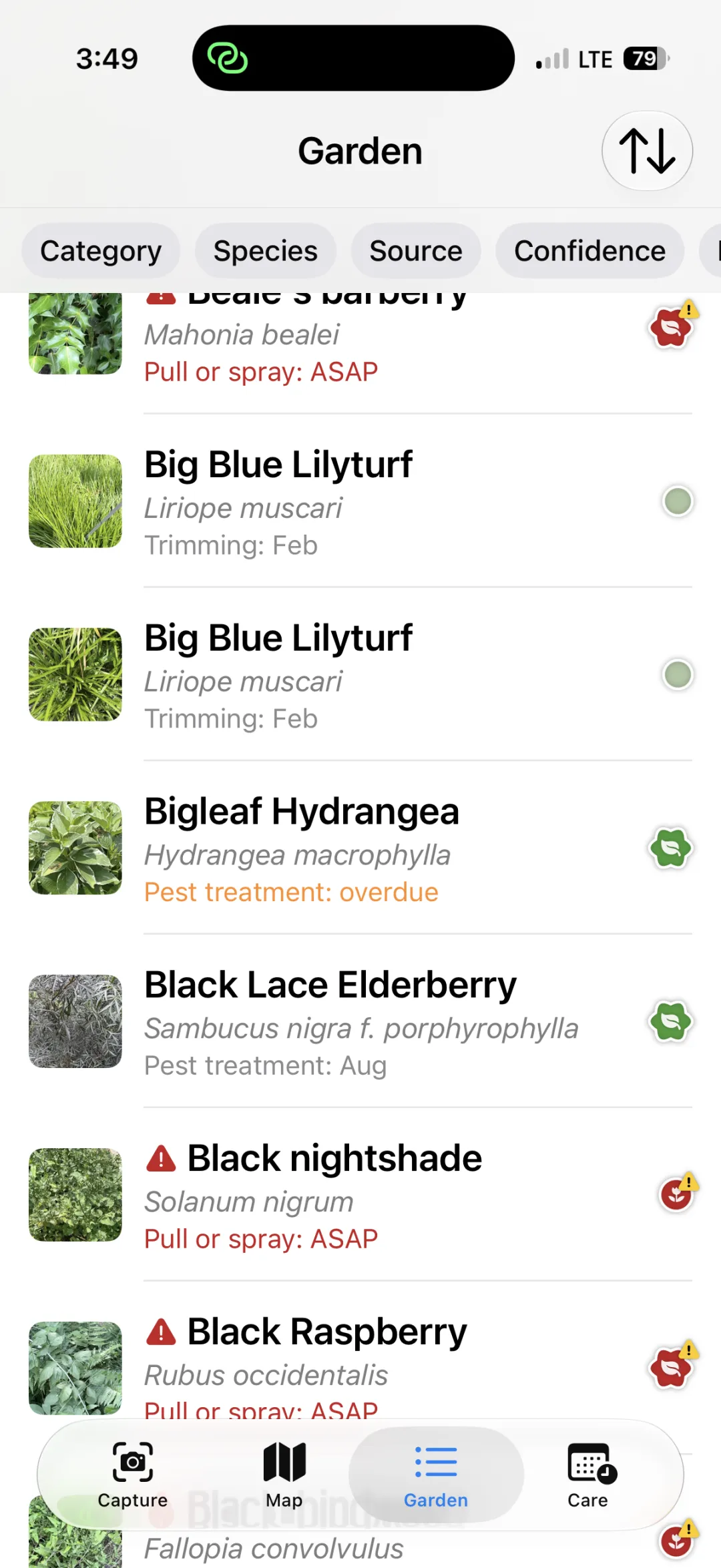
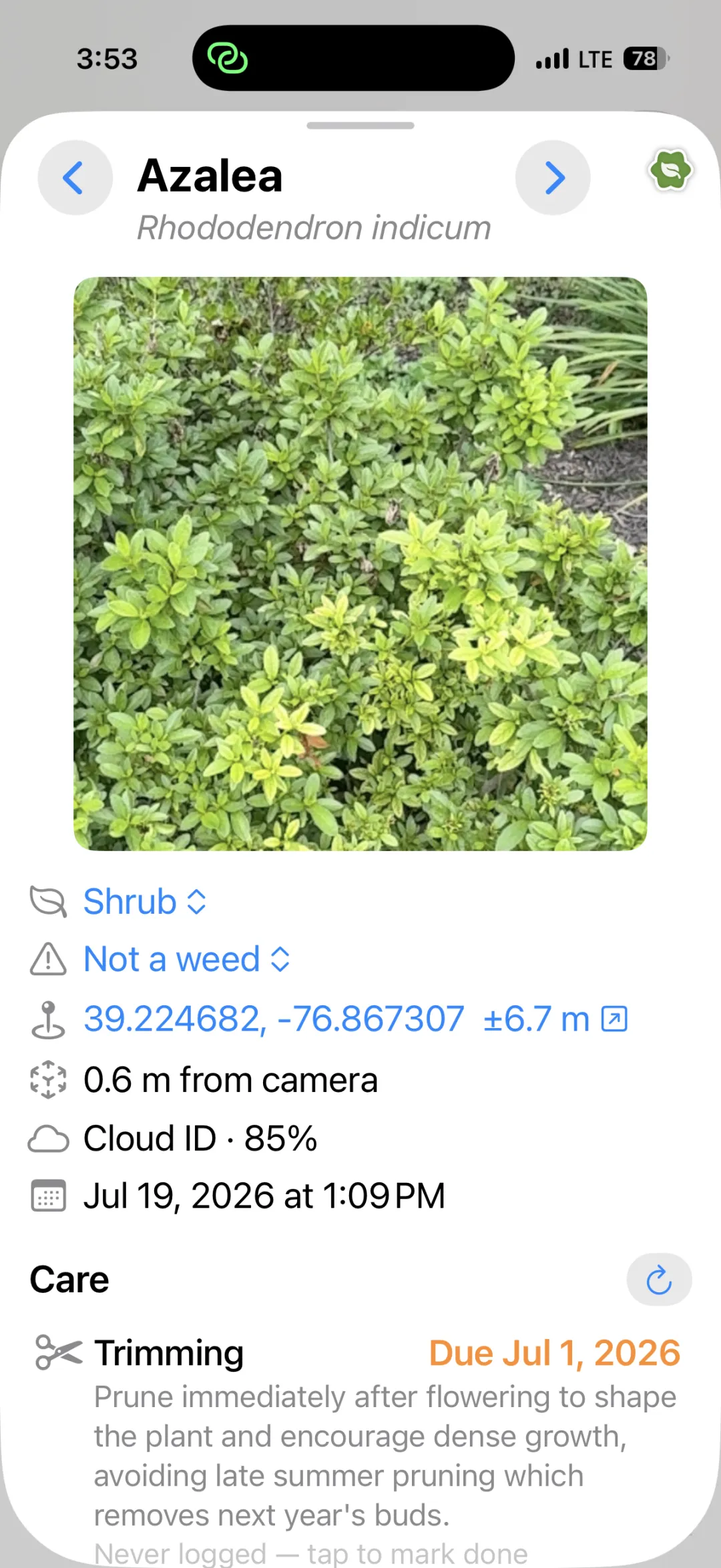
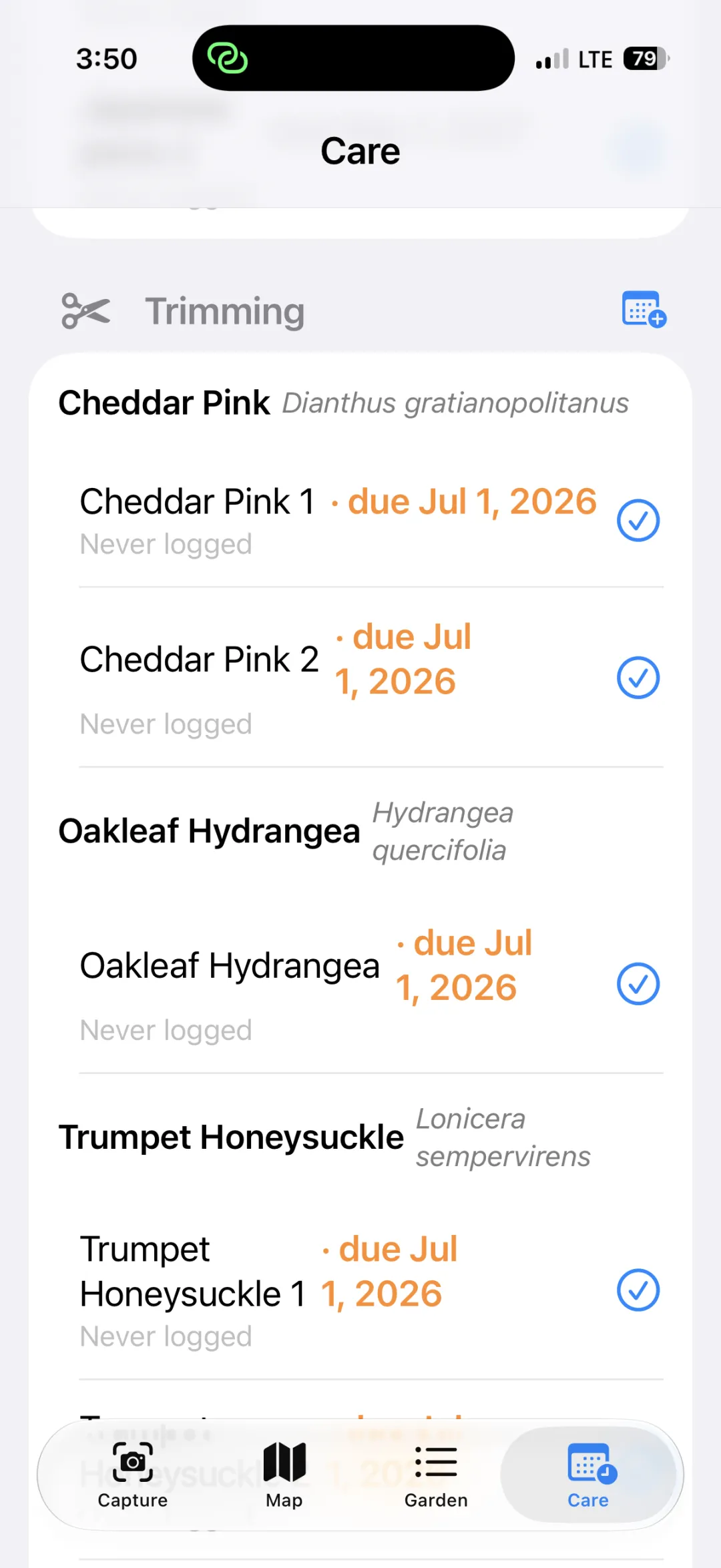
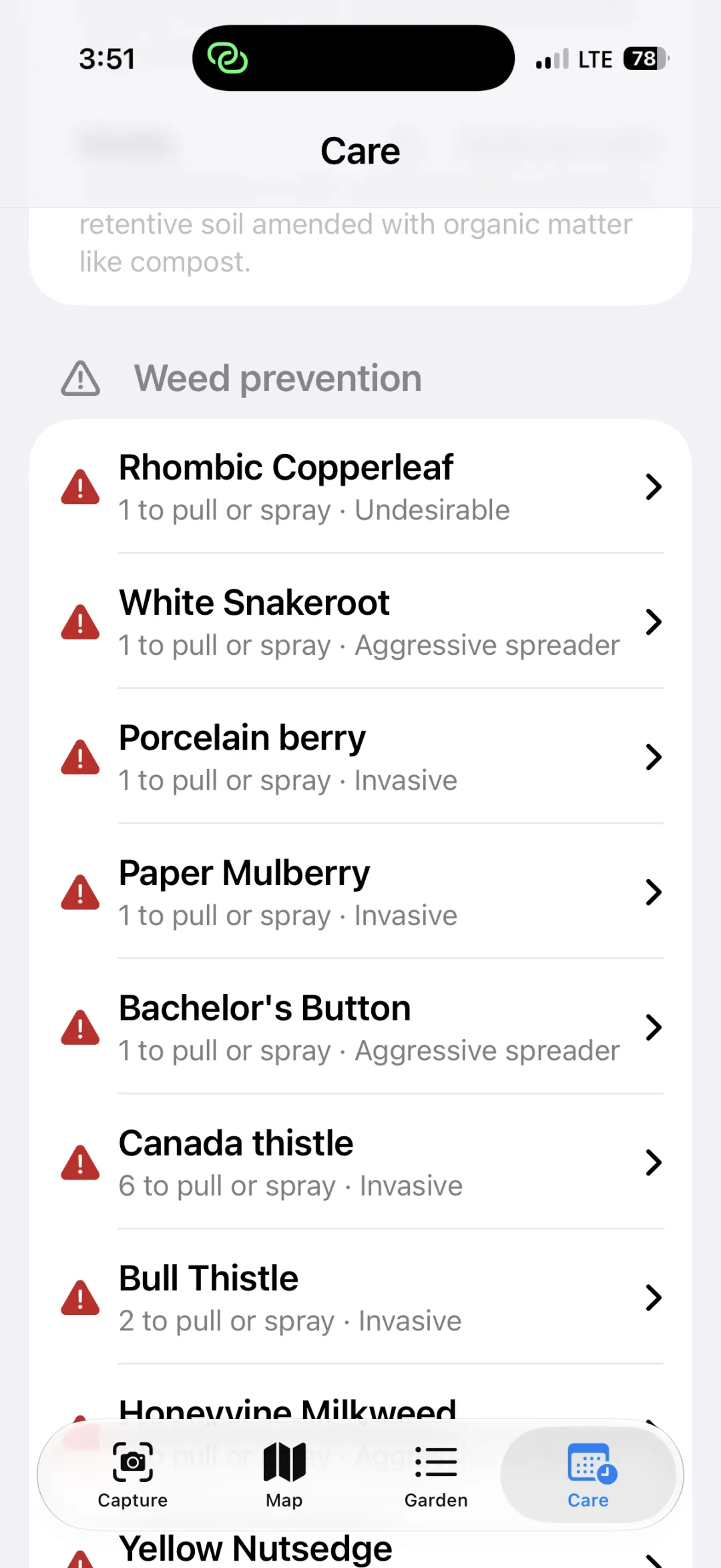
Step 1 Send me your Apple ID email
Apple needs me to invite each tester by name, so I need the email address your Apple ID uses — the one you sign in to the App Store with. That's all: no device IDs, no profiles to install.
Not sure which it is? Settings → tap your name at the top — the address under your name is the one.
Send it to me however's easiest and I'll send the invite. It arrives as an email from Apple (subject line mentions TestFlight), usually within a few minutes.
Step 2 Install TestFlight, then the app
Do this on the iPhone you want to test on. TestFlight is Apple's own app for running betas — you install it once, and every future Wellrooted build shows up there automatically.
- Install TestFlight from the App Store (button above).
- Open the invite email from Apple on your iPhone and tap View in TestFlight — or open TestFlight and enter the redeem code from the email.
- Tap Accept, then Install.
- Open Wellrooted Beta — from TestFlight or its new Home Screen icon.
First time you open it
The app asks permission for a few things. All of it stays on your phone:
- Camera — to see your garden live and photograph each plant you tap.
- Location (While Using) — to pin each plant to its exact spot on the map.
- Motion & Fitness — to know which way the phone is pointing, so plants land in the right place.
- Calendar (add-only) — optional, only for care reminders. It can add events, never read your calendar.
Please tap Allow for Camera, Location, and Motion — the app can't map plants without them.
How to test
- Head outside to your garden with the app open.
- Point the phone at a plant and tap it on screen.
- The app photographs it, works out the species, and drops a pin on your map.
- Try a few different plants, then open the Map tab to see them placed.
Reporting problems
Tell me about anything that goes wrong — especially crashes (the app suddenly closing). If you can, include:
- What you were doing when it happened ("tapped a rose bush").
- Roughly when — the time helps me match it to logs.
- What you expected instead, if it's a wrong answer rather than a crash.
The fastest way: screenshot it
While the beta is installed, take a screenshot and the share sheet offers "Share Beta Feedback" — that sends the shot, your note, and the device details straight to me. You can also open TestFlight → Wellrooted Beta → Send Beta Feedback any time.
Crashes come through on their own — TestFlight forwards them automatically, so there's nothing to dig out of Settings. A one-line "it crashed when I tapped a rose bush" still helps a lot, though: it tells me what the crash log can't.
Text or email works just as well if that's easier.
Your privacy
In this beta, Wellrooted keeps your full photos, plant records, and precise locations on your phone. Nothing about your garden is posted anywhere public.
Identifying a plant sends that one cropped photo, plus approximate coordinates, through Wellrooted's identification service to Google Gemini. The service uses Google's paid tier, where Google does not use submitted photos to improve its services. Wellrooted does not store the photo or location.
When you keep, correct, remove, or manually replace an identification, the app sends Wellrooted's service the opaque request ID, a random installation ID, and one outcome word. That report has no photo, location, plant name, correction, or search text. It is kept for 90 days to measure identification quality and is never sent to Google.
Wellrooted is still early, and this will change as it moves toward release — the full privacy statement covers how it works today and where it's heading. It gets updated before anything new starts leaving your phone.